


With the new announcement of VCF 9, I like many others, was ready and eager to upgrade my lab. As part of this there is a requirement to apply a patch to Aria Suite Lifecycle Manager to enable you to upgrade VCF Operations from 8.18 to 9.0 and install the new VCF Operations Fleet Management appliance. I thought I would share this process with you.
Here are the Release Notes.
Firstly, download the patch from the Broadcom Support Portal here.
Once downloaded the first thing we need to do is upload the file to the ASLCM appliance. I use the below command on my Mac to do this, but WinSCP is another popular tools for the job.
scp /folder-path/vrlcm-8.18.0-PATCH2.patch [email protected]:/data/Once uploaded you need to map the patch binary in the UI as so:
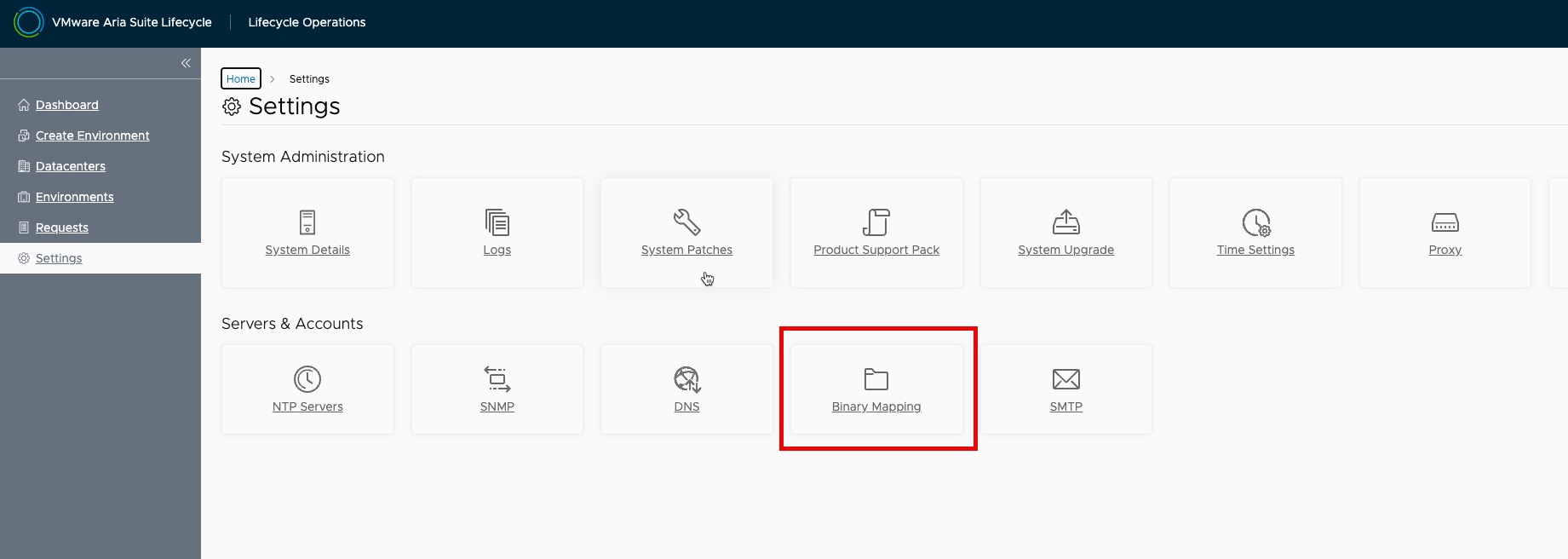
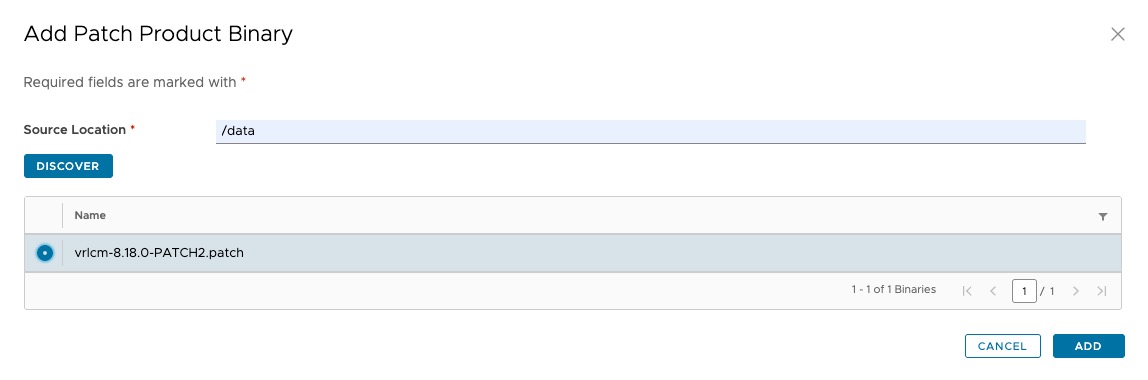 The Source Location will be the local path you uploaded the patch to.
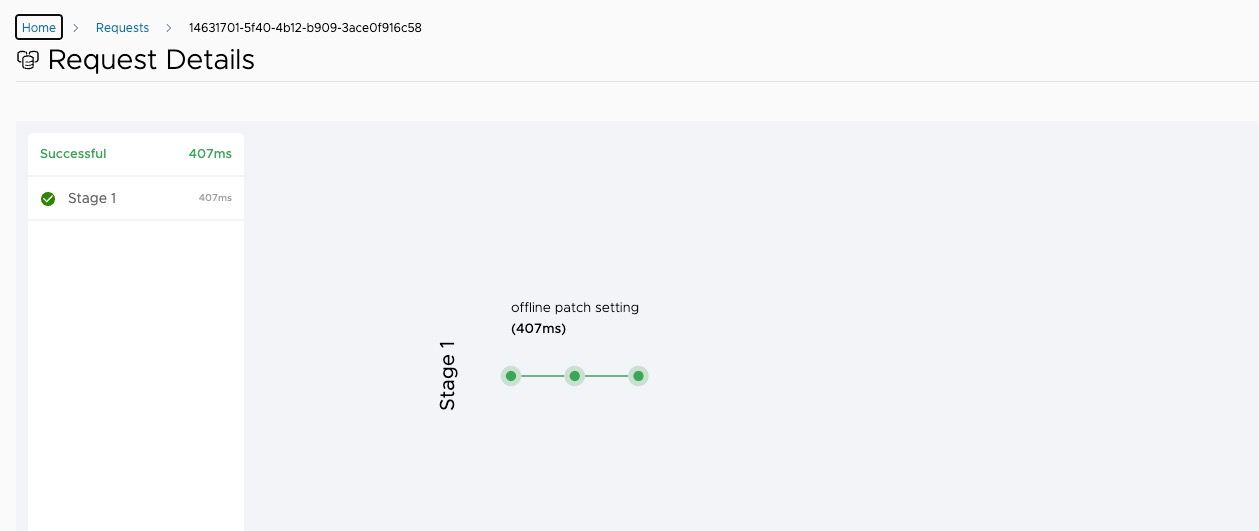
You can then monitor the progress in the Requests UI:
Now we have mapped the binary we can head over to System Patches and apply it:
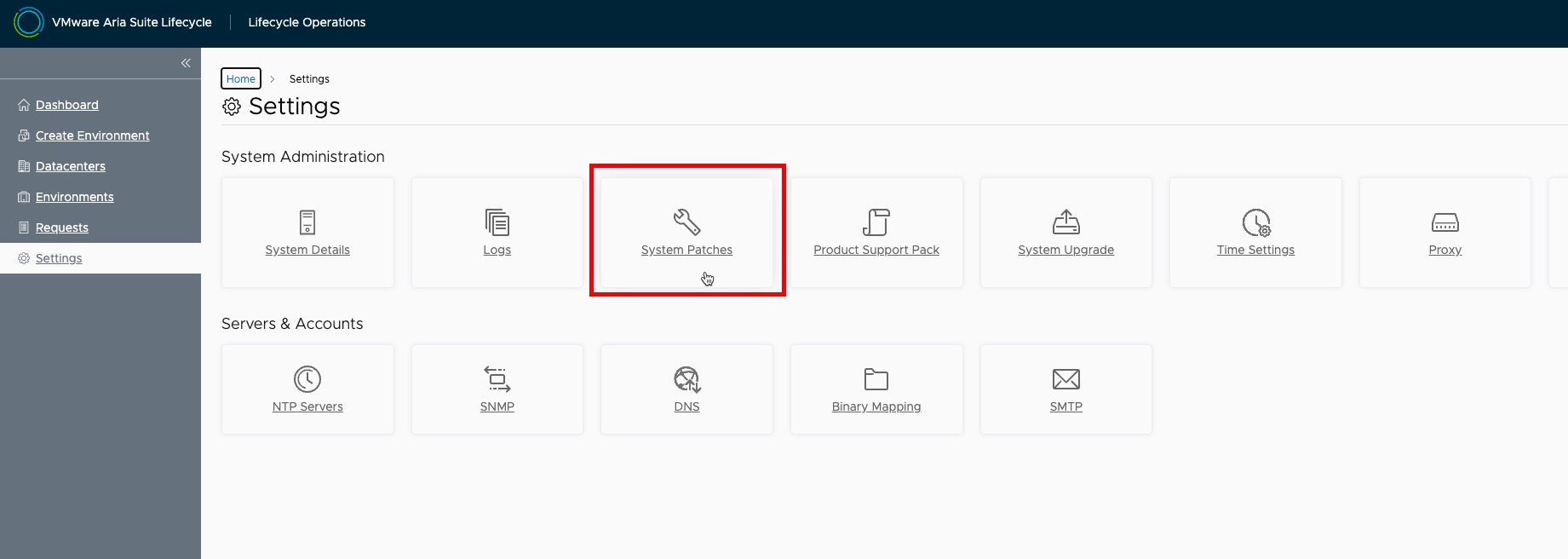
Select New Patch:

Select Patch2:
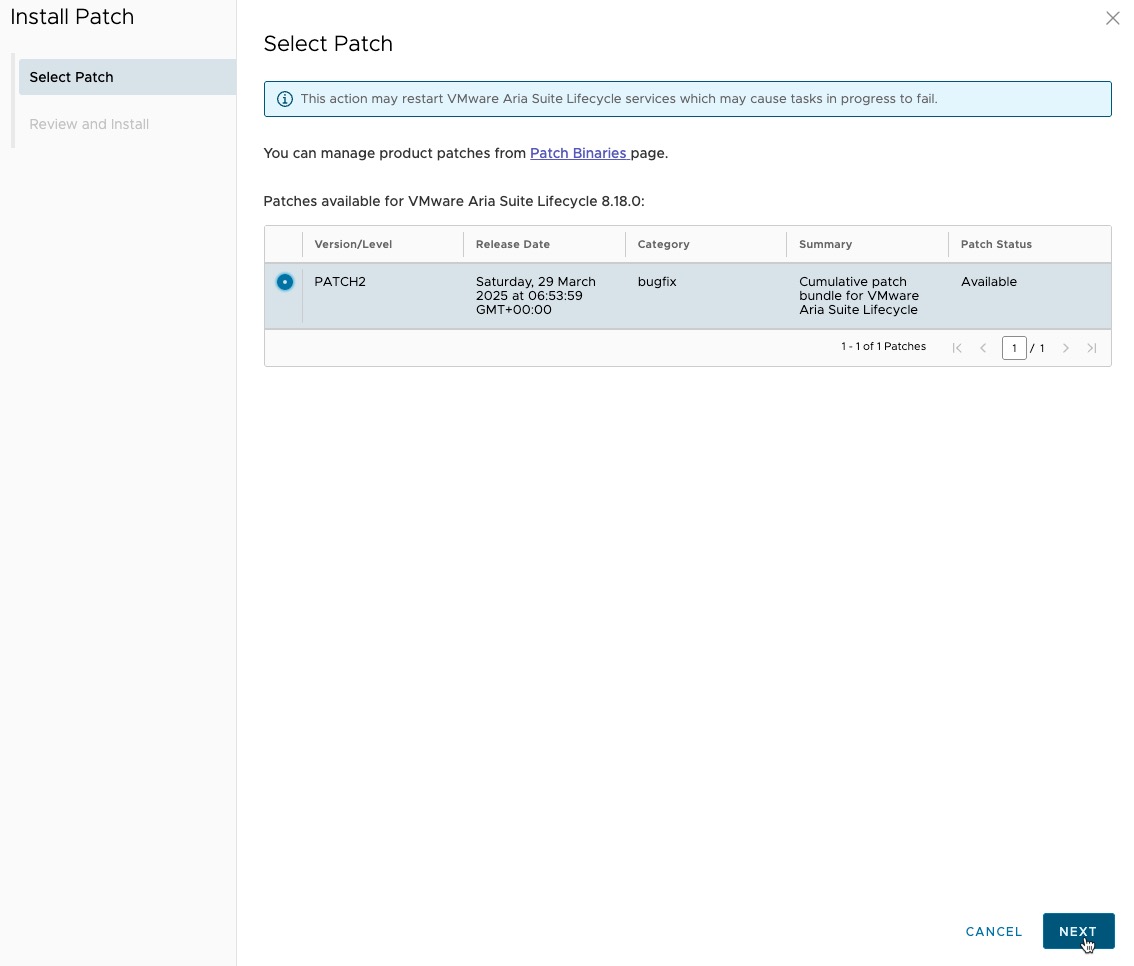
And finally, Install:
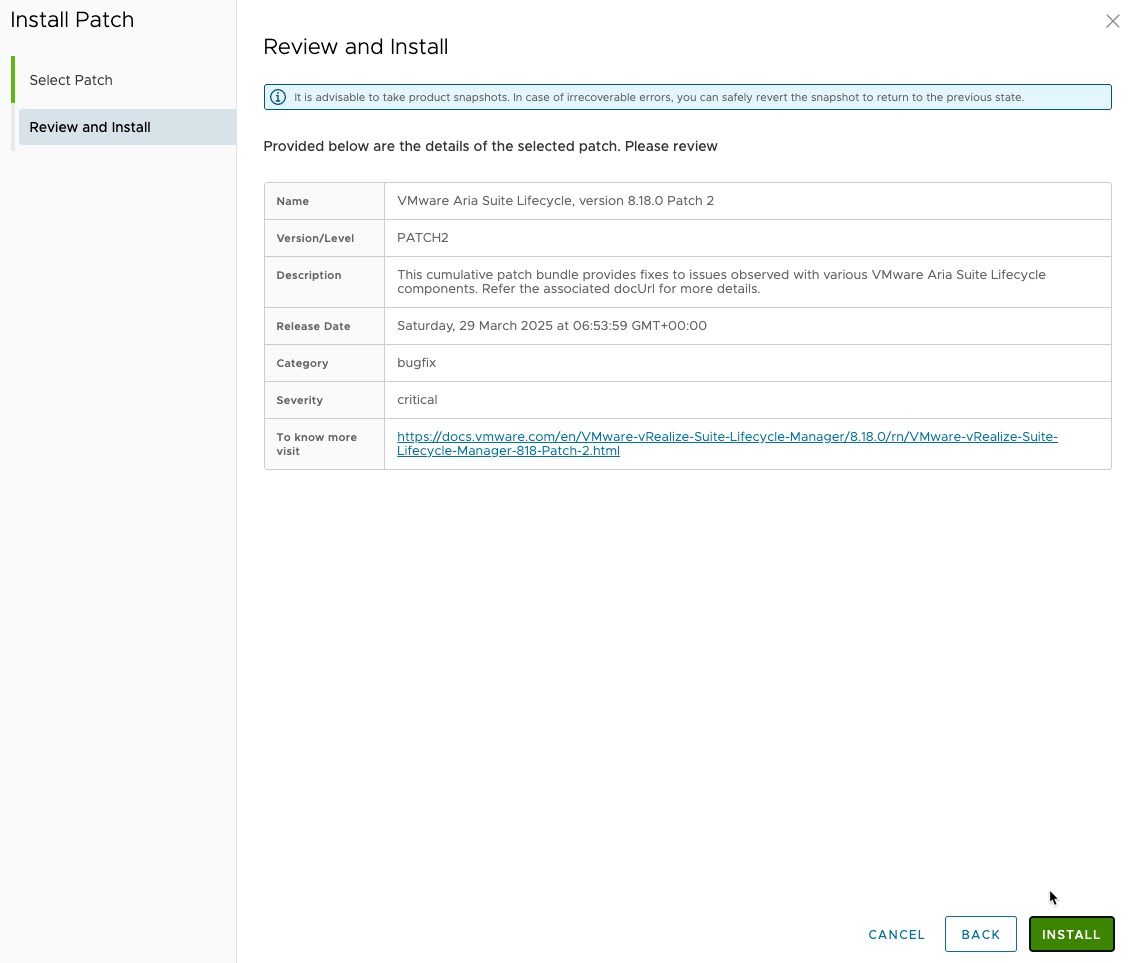
The appliance will then apply the patch and reboot, this can take a few minutes.
Once back up you can check back in System Patches to confirm it has applied correctly.
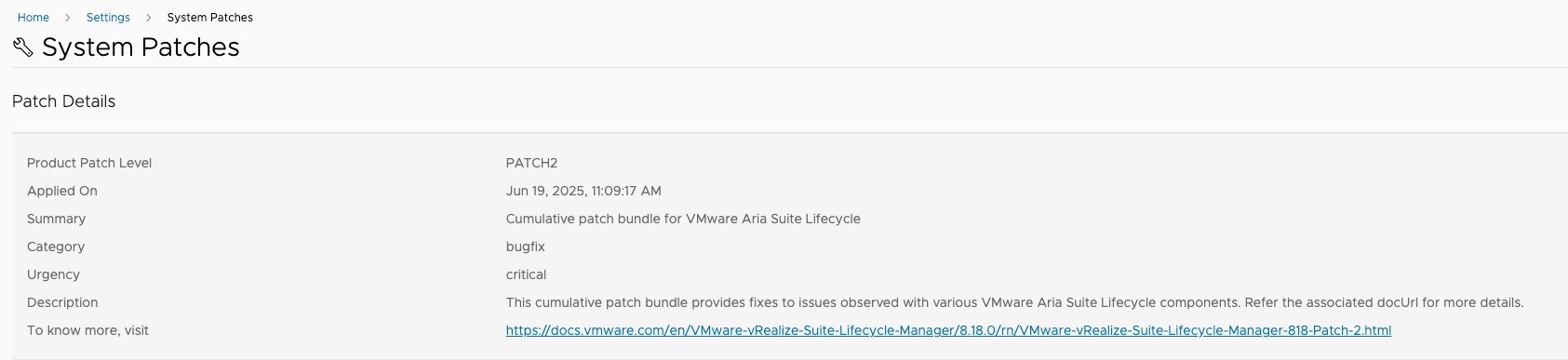
And there we go, hope this helps.
As always, thanks for reading!
If you like my content, consider following me on Twitter so you don’t miss out!