


Since vSphere 8u3 there has been a successor Host Profiles called vSphere Configuration Profiles.
There were some limitations in that version involving the presence of NSX not being support which is not the case in VCF9!
One of the great benefits of vSphere Configuration Profiles over Host Profiles is that the configuration is defined as a desired state at a cluster level instead of individually at a host level.
Configuring it is much like host profiles, lets take a look:
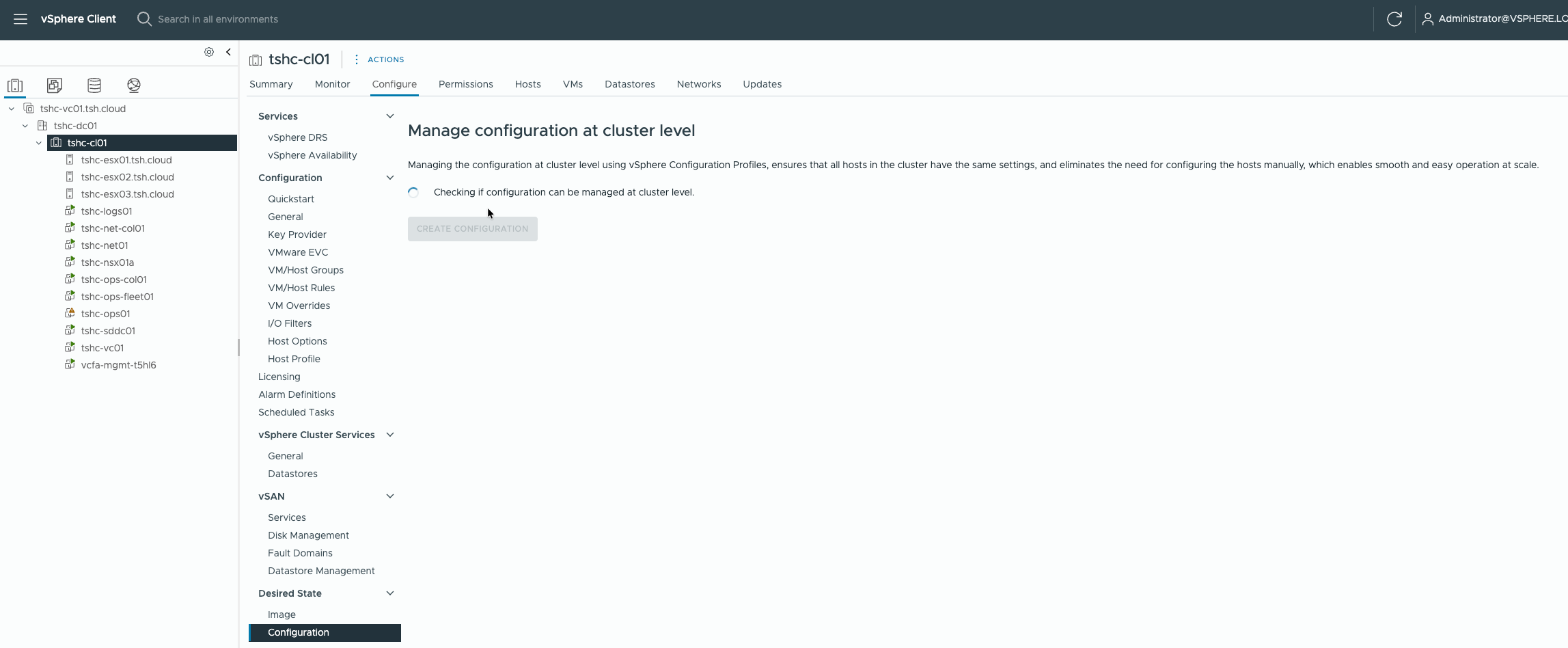
Select the Cluster Object > Configure, then under Desired State, select Configuration and the ‘Create Configuration’.
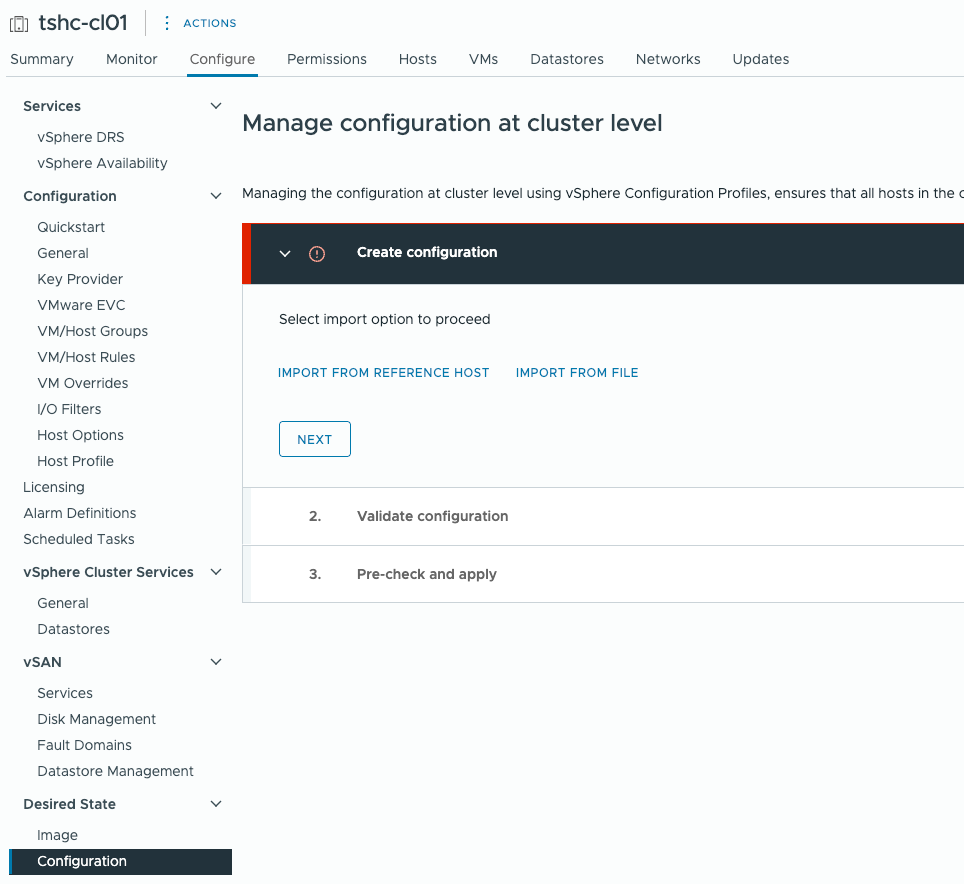
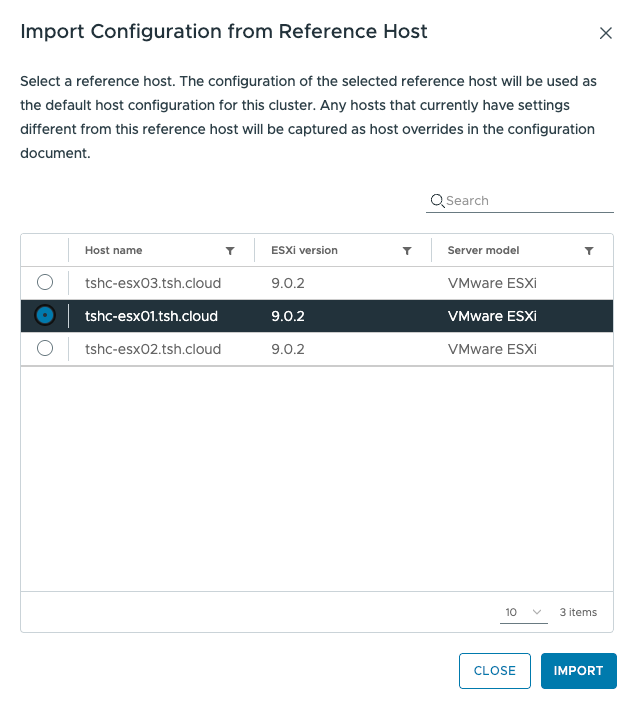
You can then select to ‘Import From Reference Host’ and select a host in which to copy the configuration.
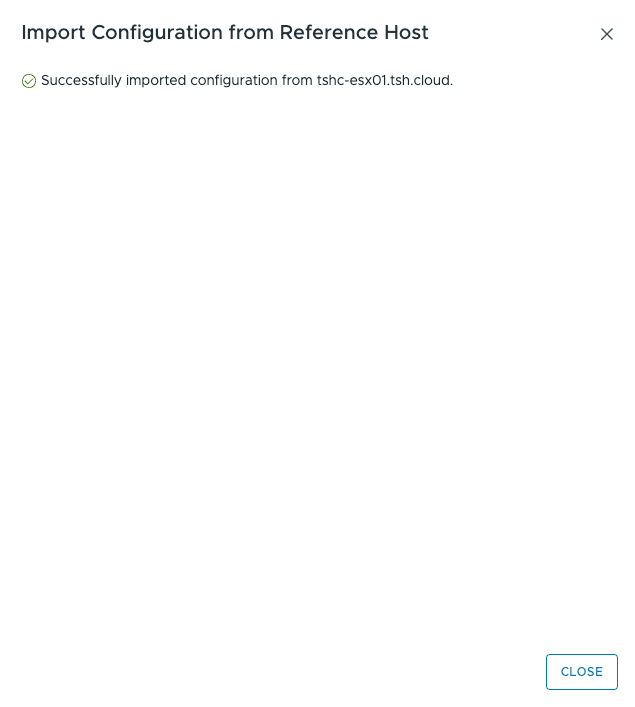
Once imported you have the option to Export the configuration to edit and re-import the changed file should you need to. You can also store the configuration export for future needs.
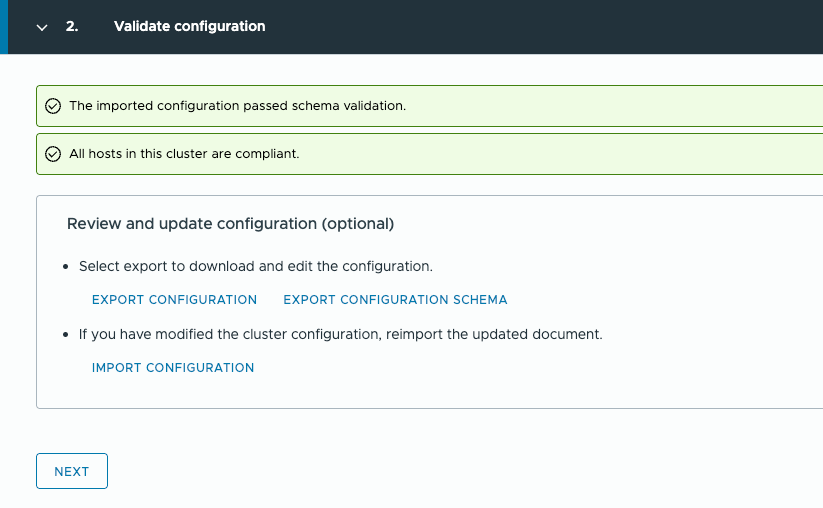
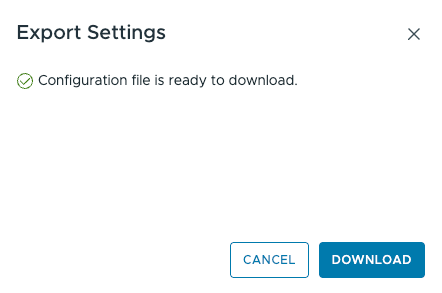
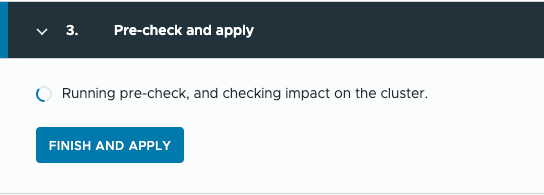
You are then ready to run the pre-check and Apply.
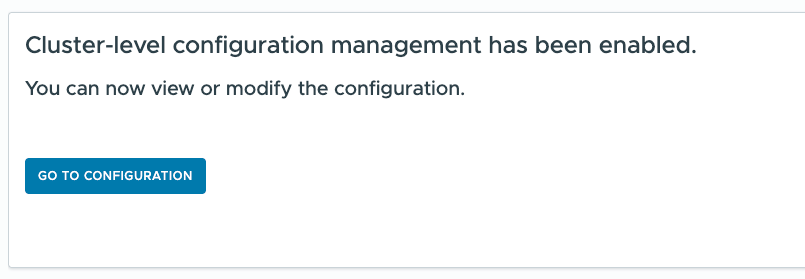
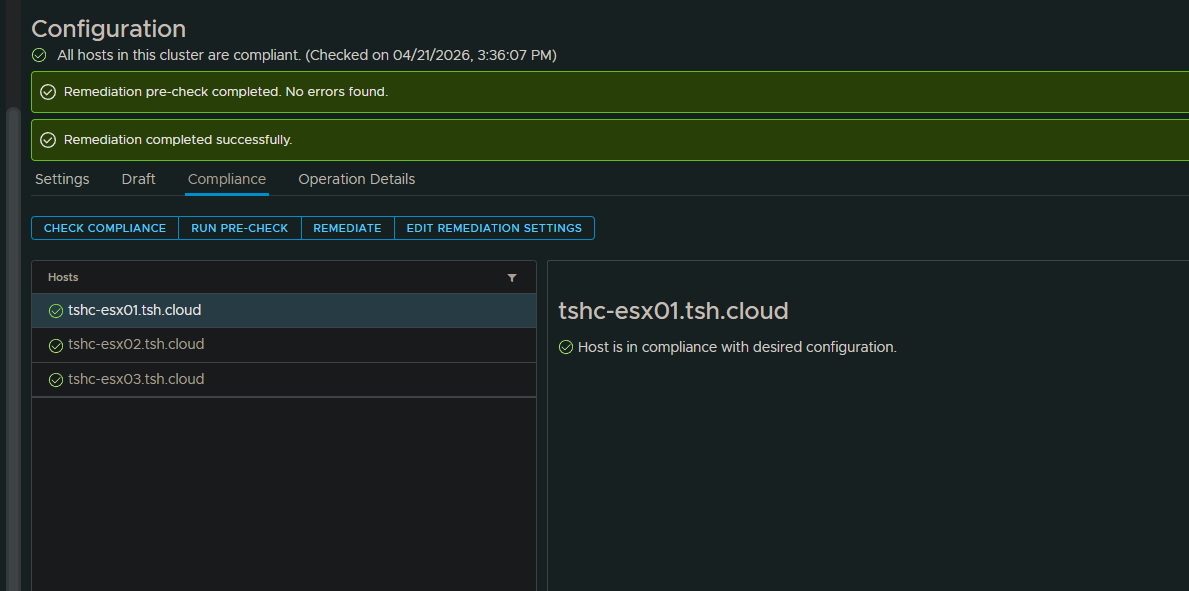
You can now see the settings in th UI via the ‘Settings’ Tab and review compliance under the Compliance ‘Tab’
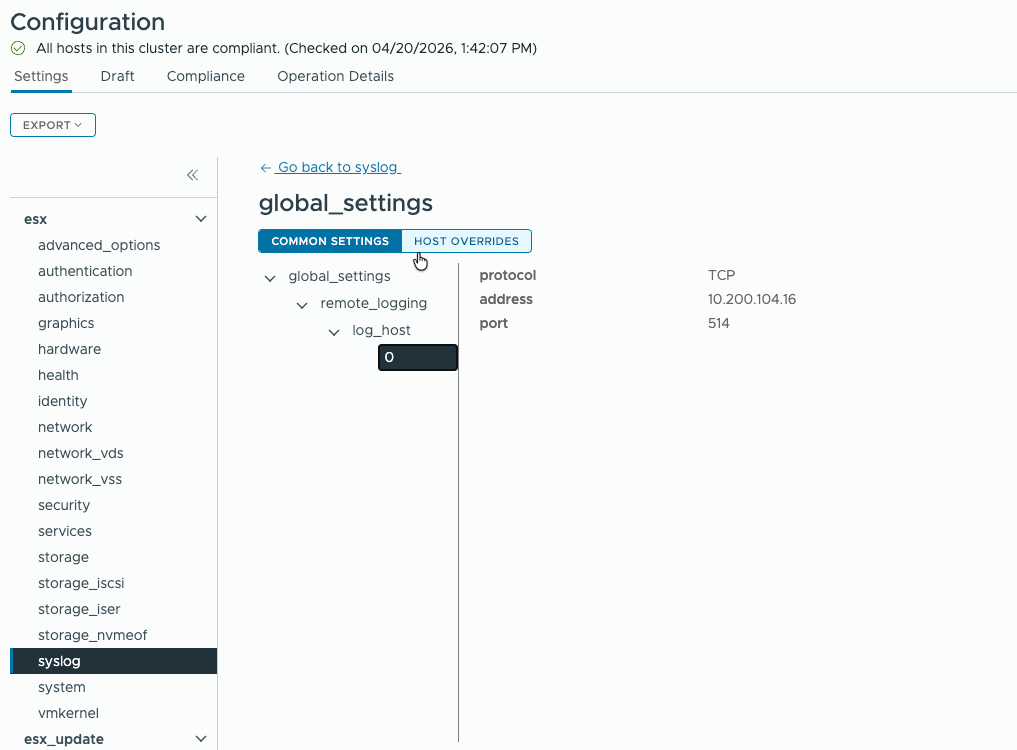
Under the ‘Compliance’ Tab you can review any settings present on hosts that do not comply with the now cluster wide desired state. I manually edited a syslog value to take ahost out of compliance.
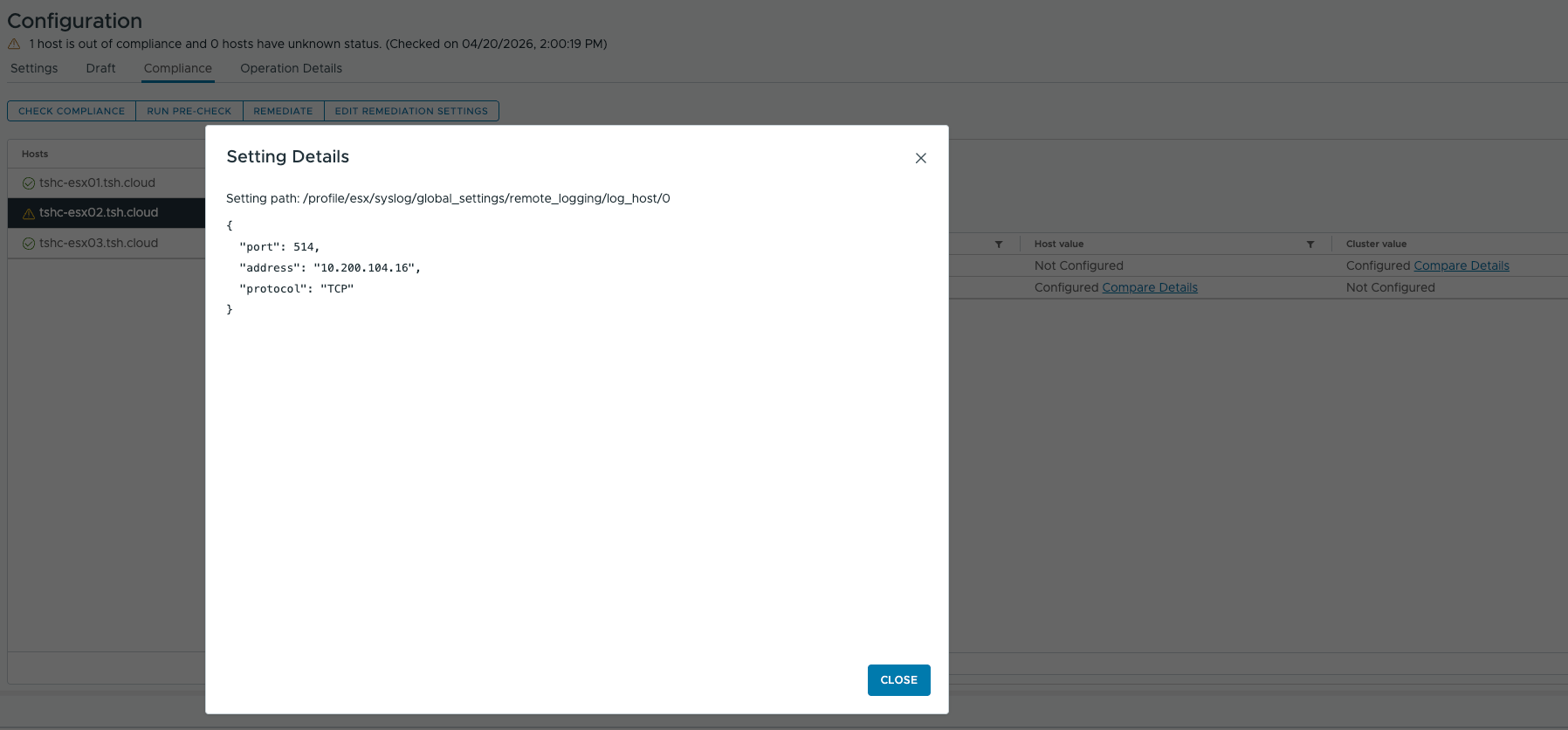
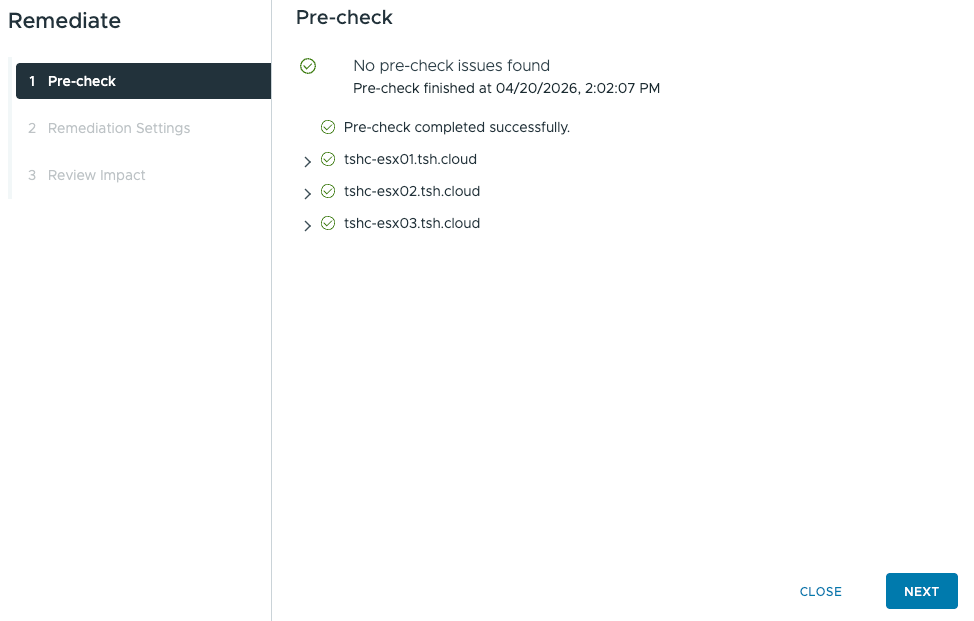
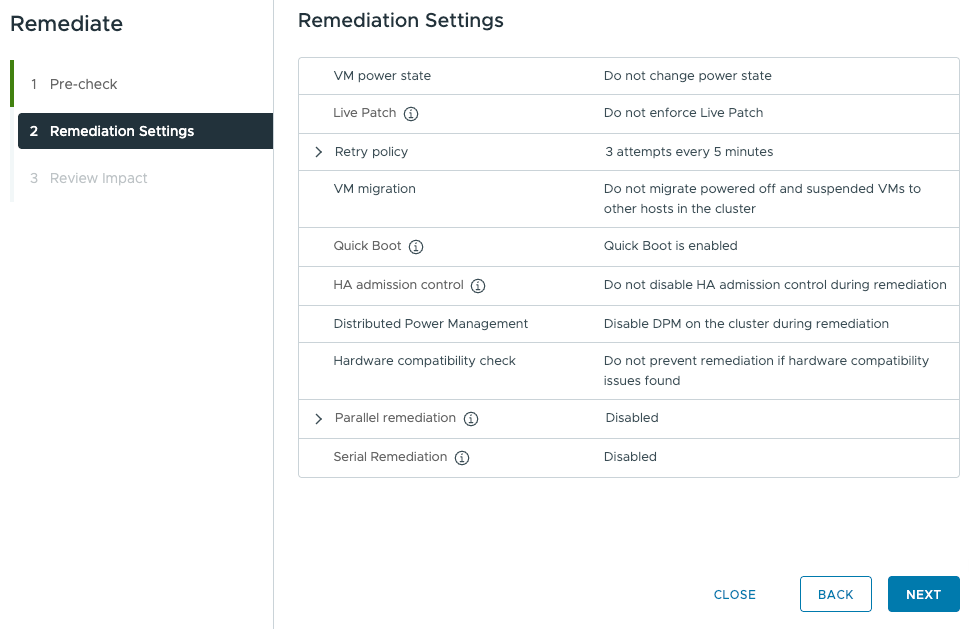
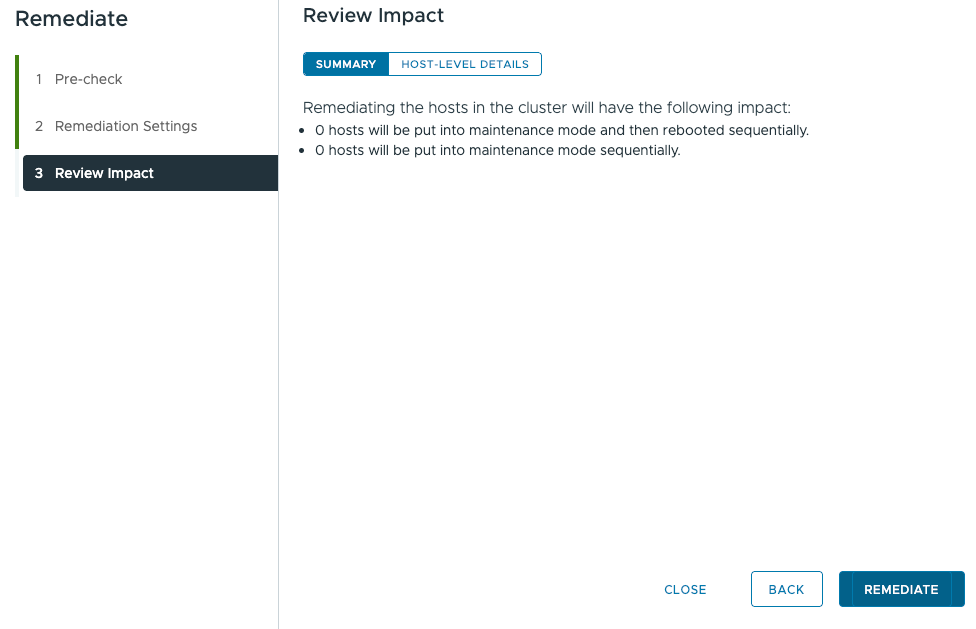
From there you have the option to Remediate.
As always, thanks for reading!
If you like my content, consider following me on Twitter so you don’t miss out!