
James Tiffany
Monday, January 12, 2026 | 2 minutes
VCF Operations for Logs Upgrade Fails Not Enough Disk Space /tmp
This is just a quick blog to cover an issue I encountered in the lab when I was running through some upgrades from 9.0 to 9.0.1 for a VVF (VMware vSphere Foundation) environment.
Like many people the lab environment I use is self funded so fairly small and resources are scarce so most of the deployments are done at the smallest size as we are demonstrating functions not performance or high availability. When I was deploying the lab I chose to deploy VCF Operations for Logs as an Extra Small Appliance and all went well. Where I hit the issue was when I came to do an upgrade from 9.0 to 9.0.1 and as I went through the process I suddenly hit disk space issues trying to upload the PAK file. Now the Logs deployment had only happened three hours before and there were only three hosts and three VMs in the environment at this point, there was no way they could have been generating enough logs to fill the appliance.
On closer investigation the issue was happening when the PAK file was being uploaded to the /tmp location and then being unpacked. The PAK file was over 1GB to start with and the /tmp directory was only 2GB in total.
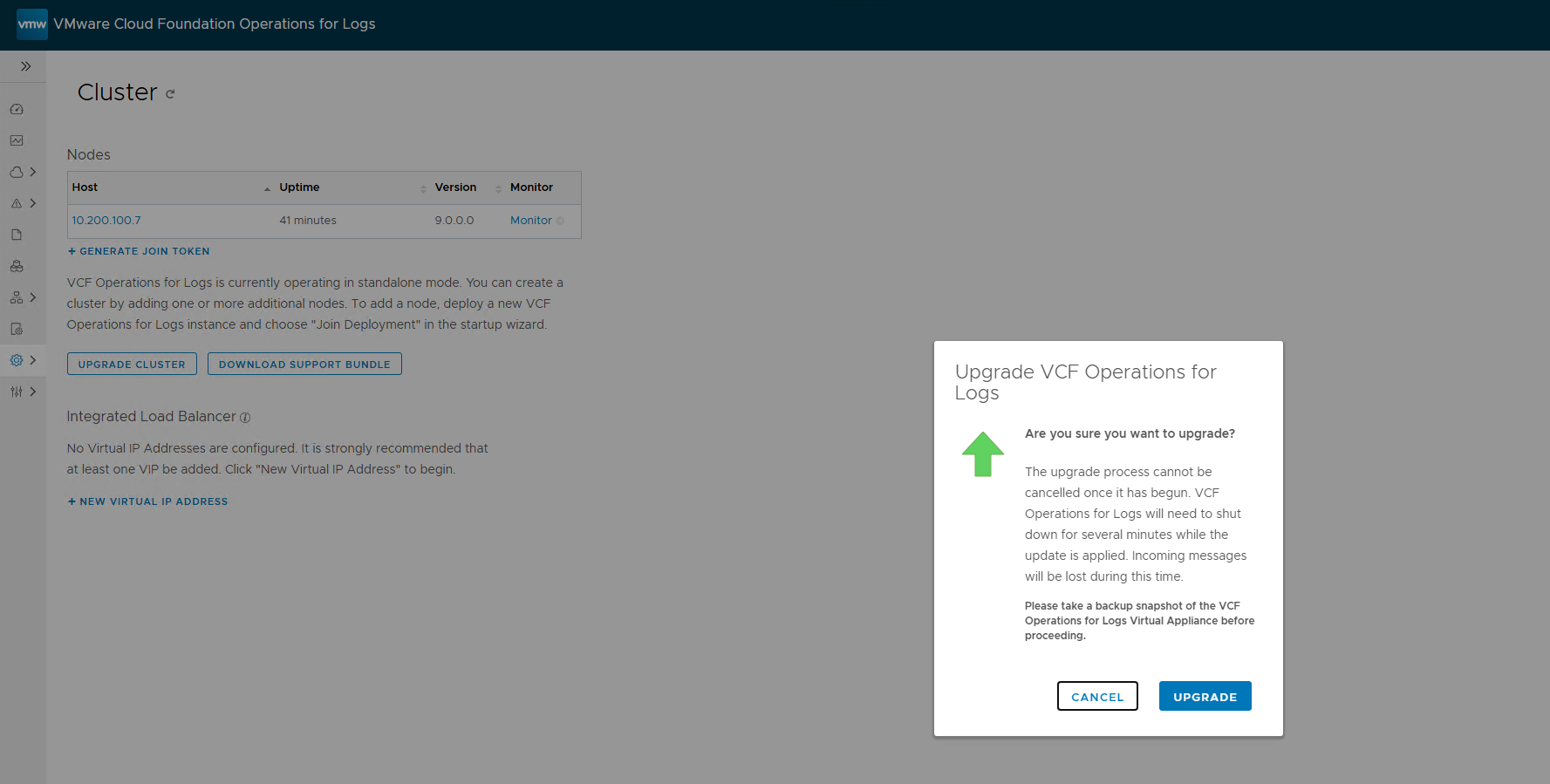


I reached out internally to ask if anyone had seen this before and was directed to https://knowledge.broadcom.com/external/article?articleNumber=382217
The issue is that the /tmp directory is created based on the size of the memory of the virtual appliance. So when you create an extra small appliance you don’t have enough space. The work around is to power off the VCF Operations for Logs appliance, increase the memory to 8GB and power it back on. You will now have enough /tmp space to unpack the PAK file and allow the upgrade to carry on. Once the upgrade is complete you can power off the appliance again and move the memory back to 2GB.
This is not something the product team are looking to change in the future so bear that in mind for all future upgrades.